Develop Local AI Apps

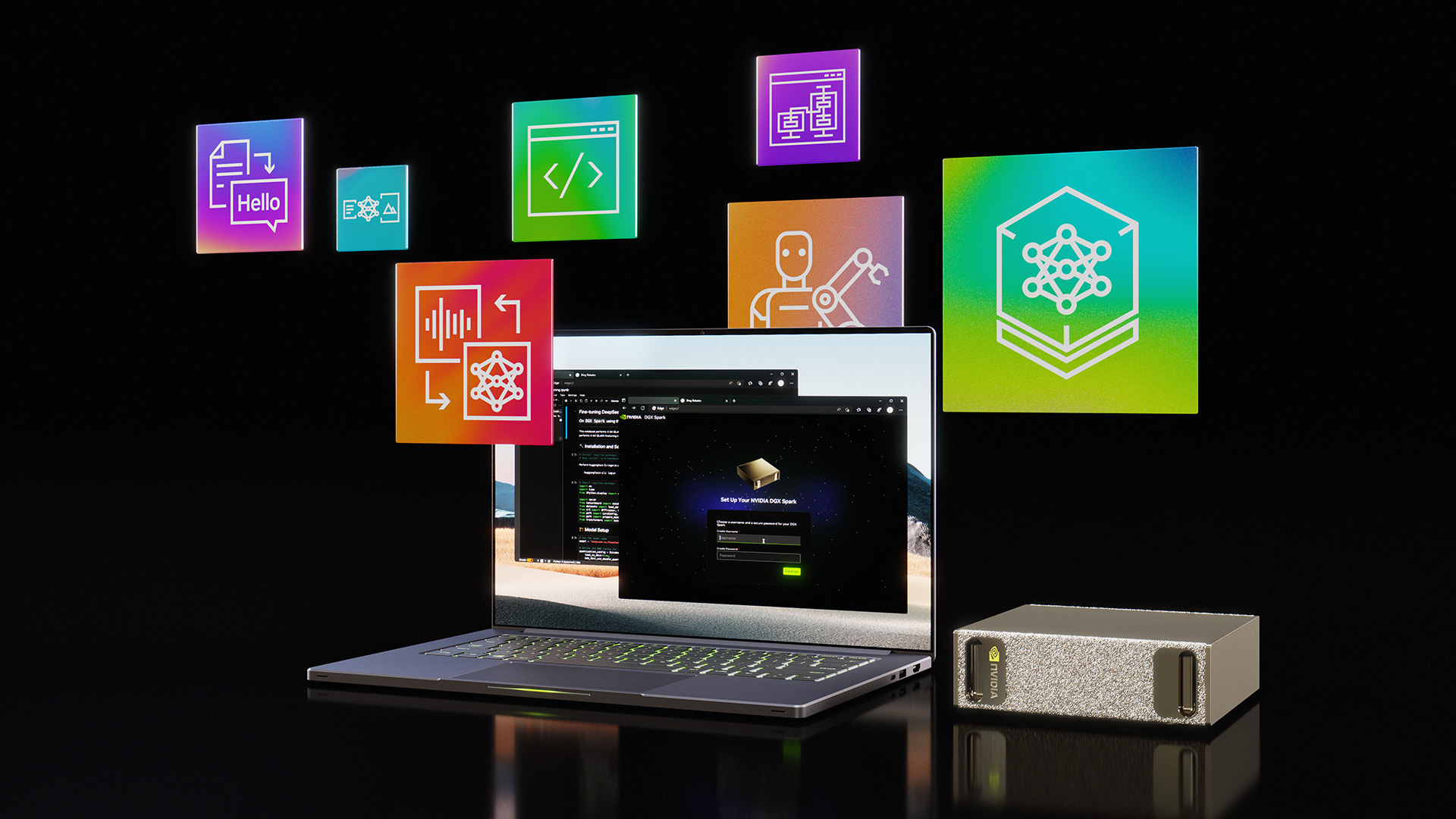
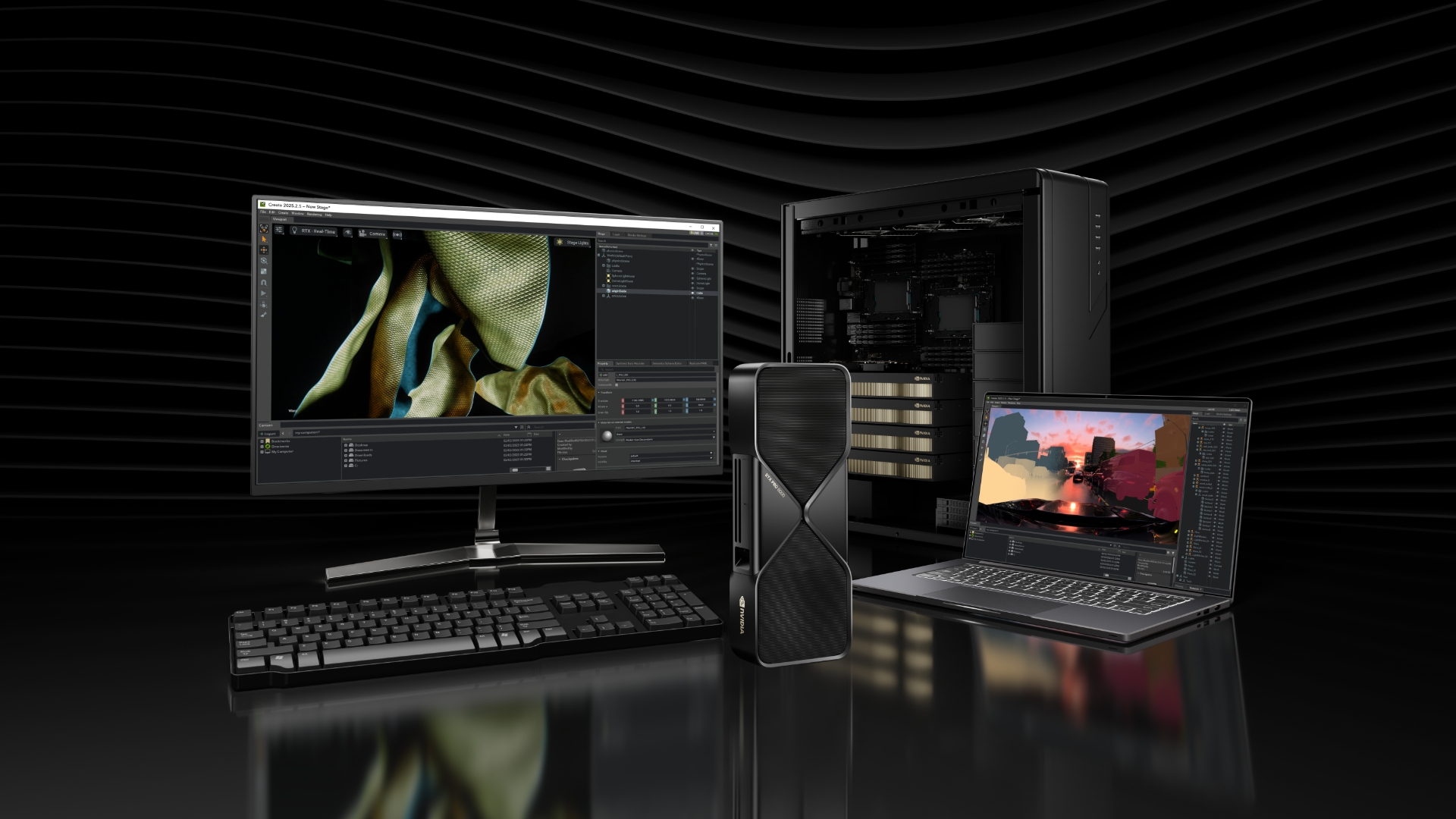
Build and run AI locally on NVIDIA GPUs—from RTX laptops, desktops, and RTX PRO workstations to DGX Spark and Station AI supercomputers—for fast, private, and unlimited AI. Powered by CUDA, NVIDIA GPUs accelerate all the top AI frameworks, open-weight models, and agents so developers can experiment, build, and deploy AI faster than ever.

Benefits

Why Build and Run Local AI With NVIDIA GPUs?

Decorative image

Broadest Ecosystem

Every layer of the AI stack is accelerated on NVIDIA - CUDA libraries, open-source frameworks, SDKs, and models - with the broadest community and ISV support.

Decorative image

Easy-to-Adopt Tools

NVIDIA and the open-source community partner closely to optimize popular AI tools like ComfyUI, Hermes, llama.cpp, Ollama, ONNX, OpenClaw, PyTorch, vLLM and more. These tools can be installed easily and run on the same CUDA stack across NVIDIA local and cloud GPUs.

Decorative image

Day 0 Support for Latest Models

From LLMs to image generators, new open source models run fast on NVIDIA GPUs from day 0 due to close collaboration between NVIDIA and model labs.

Decorative image

Largest Installed Base and Unified Development Stack

Over 150M local NVIDIA GPU installed base. Develop once and deploy across NVIDIA GPUs in PC and cloud.

Decorative image

Performance

Dedicated Tensor Cores accelerate AI workloads alongside continuously optimized frameworks and NVFP4 checkpoints.

How to Build Local AI Apps

Decorative icon

Build and Optimize A Custom Model

Optimize and build custom models with advanced fine-tuning, quantization, sparsity and distillation techniques.

Learn More

Decorative icon

Add an AI feature to Your Application with NVIDIA SDKs

Add 3D, generative AI, and video features with NVIDIA-accelerated SDKs.

Learn More

Decorative icon

Use an Off-the-Shelf AI Model

Run models with accelerated runtimes such as Ollama, llama.cpp, TensorRT, SGLang, vLLM, WindowsML, or PyTorch with CUDA.

Learn More

Tools to Optimize Your AI Application for Maximum Performance

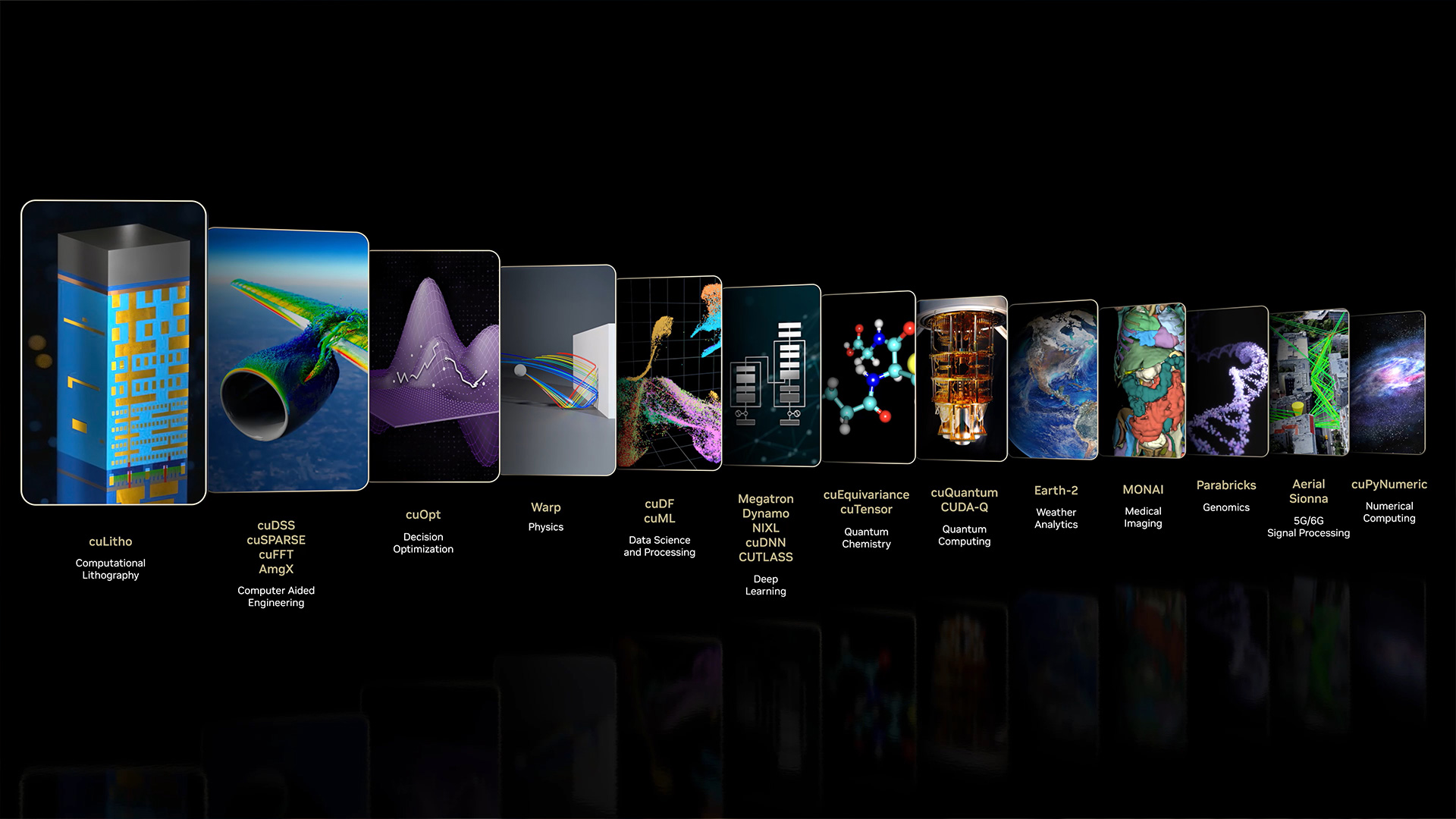
Use 400+ CUDA-X™ libraries to get the most from your GPU and NVIDIA Nsight tools to build, profile, and optimize GPU-accelerated applications.

Explore CUDA-X


Use an Off-the-Shelf AI Model

Choose your model, then pick an inference backend.

Access Inference Backends

Step 1: Choose the Best Model for Your Local AI Use-Case

1.  Determine the target VRAM and performance requirements​
2.  Shortlist:​

Checkout our recommended recipes or filter candidates based on public benchmarks (ex. Artificial Analysis Index)​

  • If you are using llama.cpp: prefer Q4_K_M quantized checkpoints for best performance​ while retaining quality

  • If you are using vLLM or PyTorch: Prefer NVFP4 quantized checkpoints for best performance​ while retaining quality

3.  Evaluate:

  • Build a Custom Evaluation Dataset for Your Use-Case​

  • Grade the model with Human Evaluation​

  • For LLMs, grade the model using LLM-as-a-judge to scale​

Step 2: Pick the Best Inference Backend for Your Use Case

Developers need to consider several factors before choosing a deployment path for their application. Each inference path offers specific model optimization tools and deployment mechanisms.
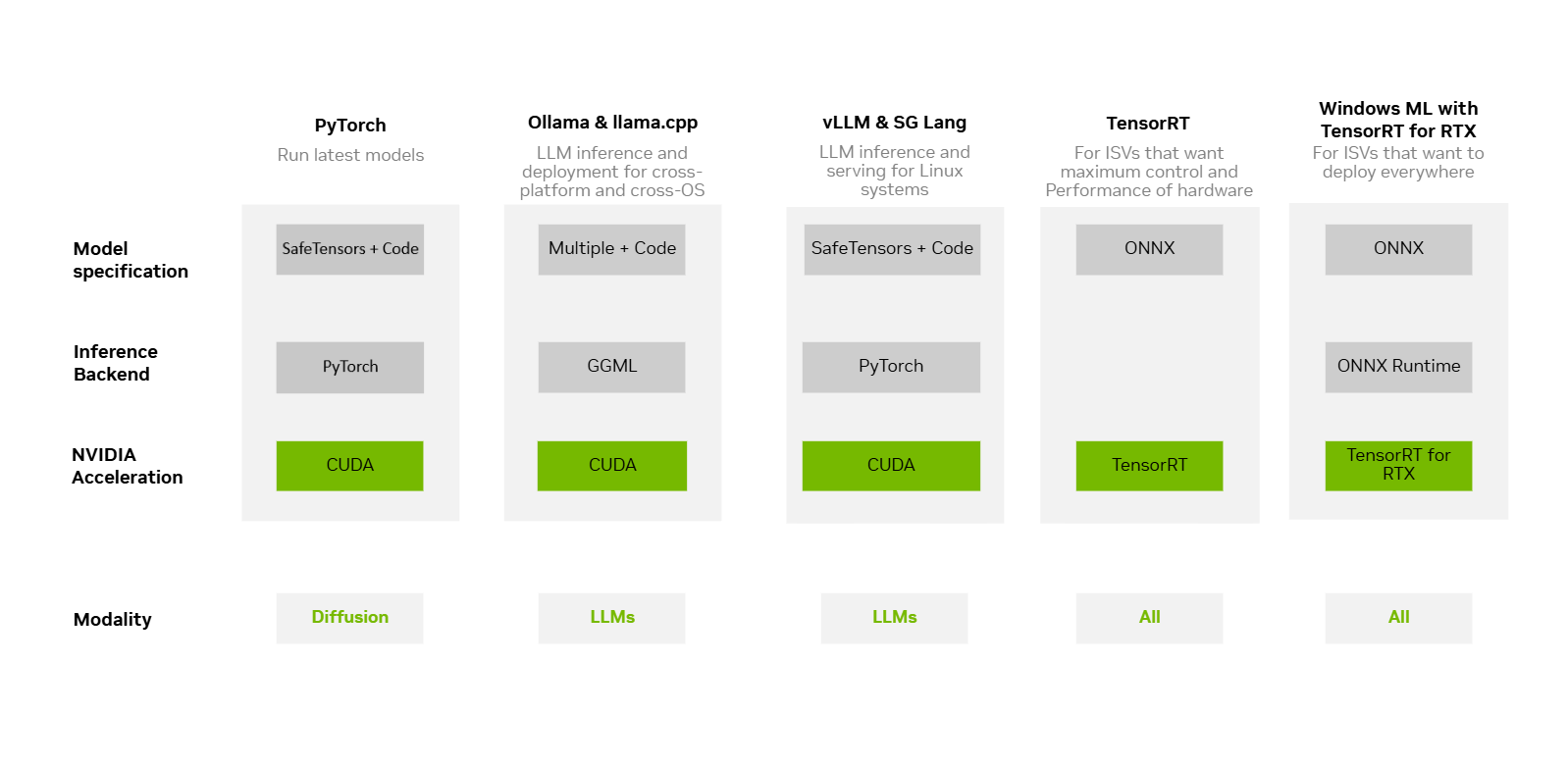
Explore Inference Backend Options

Use Optimized Recipes for Your Local AI Hardware

Decision flowchart for selecting a local AI model: VRAM requirements, NVFP4 vs. Q4_K_M quantization selection, benchmark filtering, and LLM-as-judge evaluation steps

(Click diagram to enlarge)


Add an AI feature to Your Application with NVIDIA SDKs

NVIDIA SDKs let you add AI features directly into your application that are pre-optimized and pre-packaged. You can now use your agent to help develop with any NVIDIA SDK using NVIDIA Skills—portable instruction sets that help agents use NVIDIA SDKs and tools effectively to create GPU-accelerated applications.

Explore NVIDIA Skills

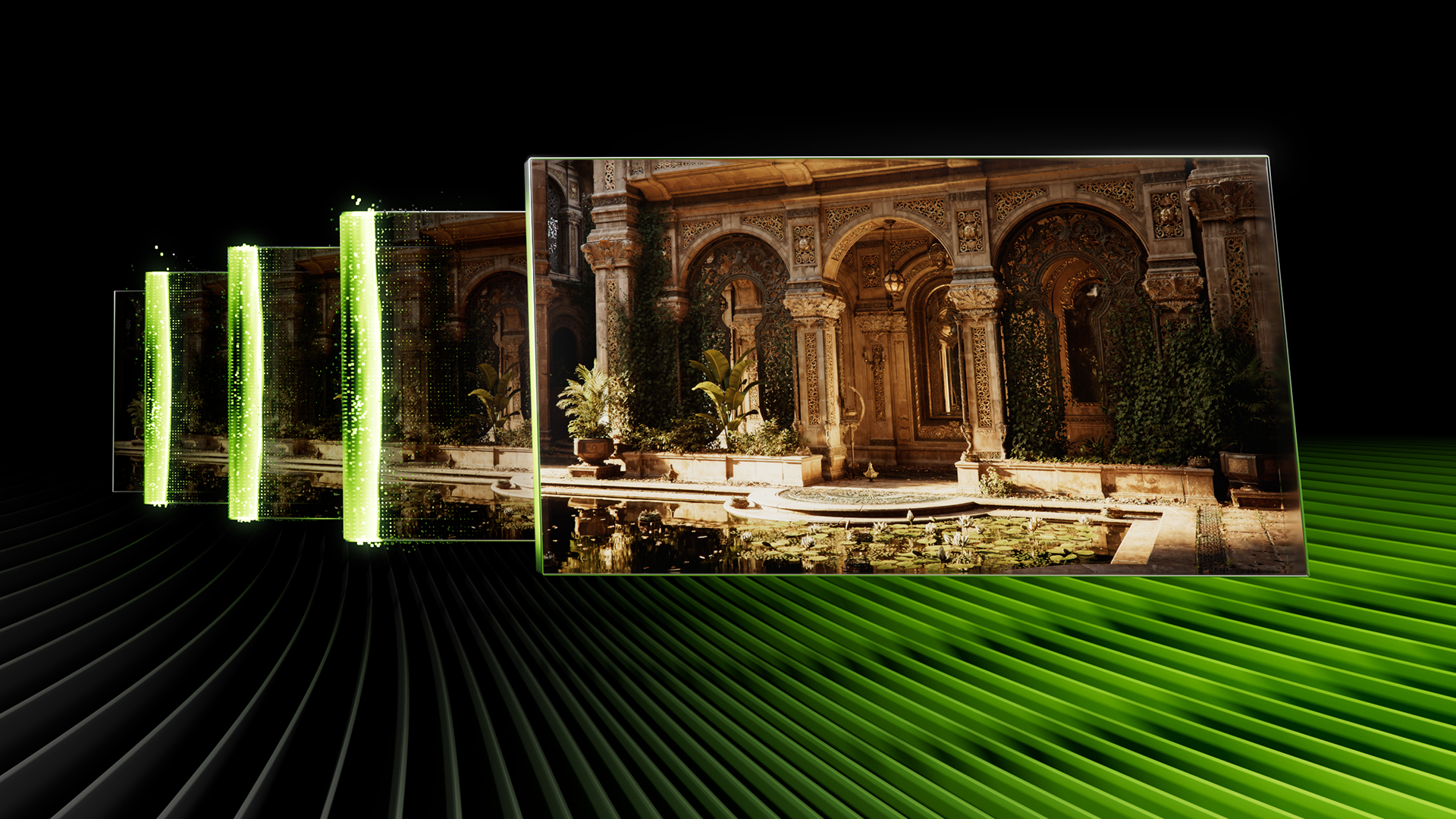
Multiply performance with NVIDIA DLSS

NVIDIA DLSS

Neural graphics to multiply performance using AI. Generate new frames, reconstruct images, and improve ray-traced content.

Learn More About DLSS
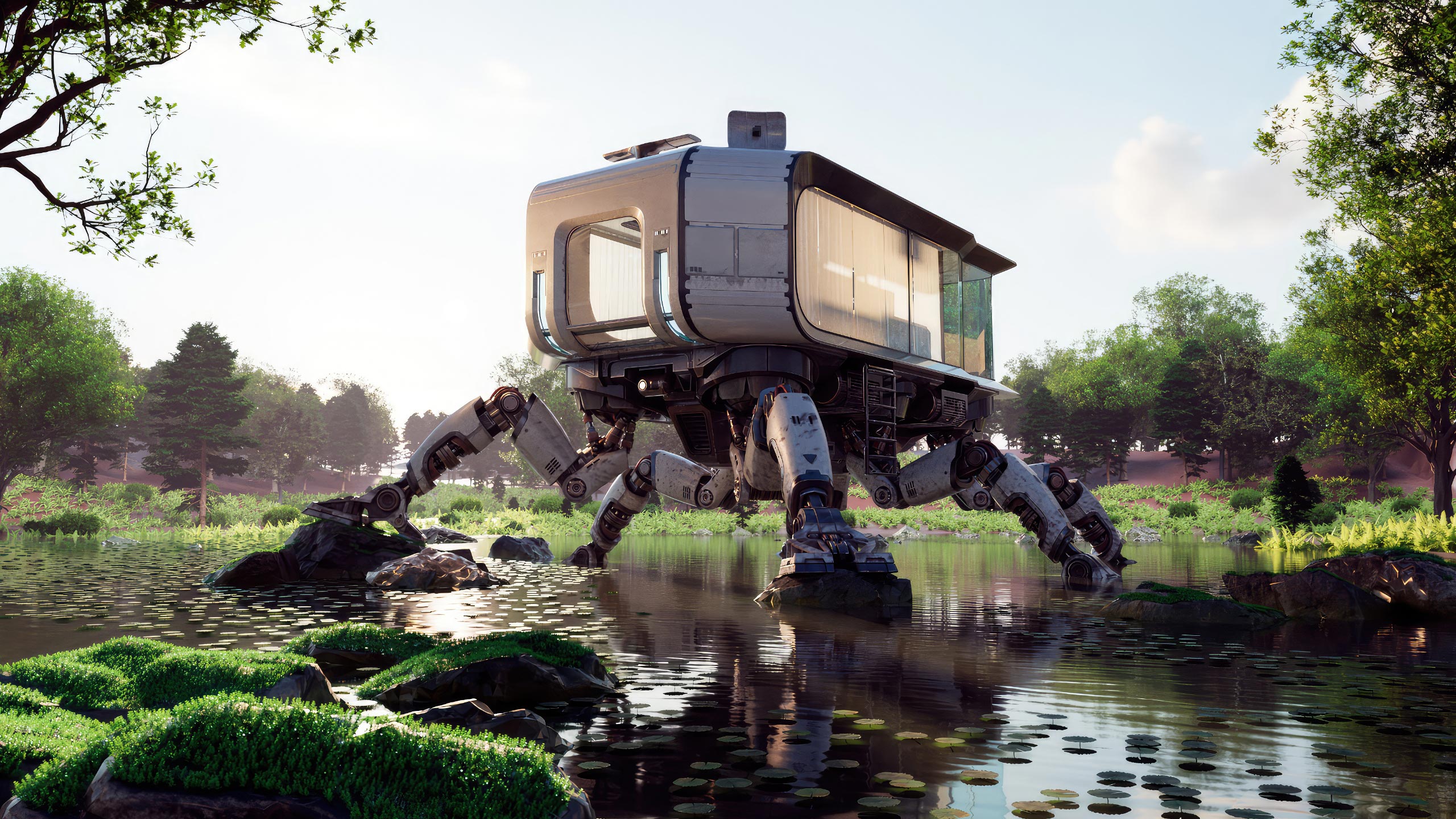
Optimal ray-tracing with NVIDIA Optix

NVIDIA OptiX

Application framework for optimal ray-tracing performance on the GPU. 

Learn More About OptiX
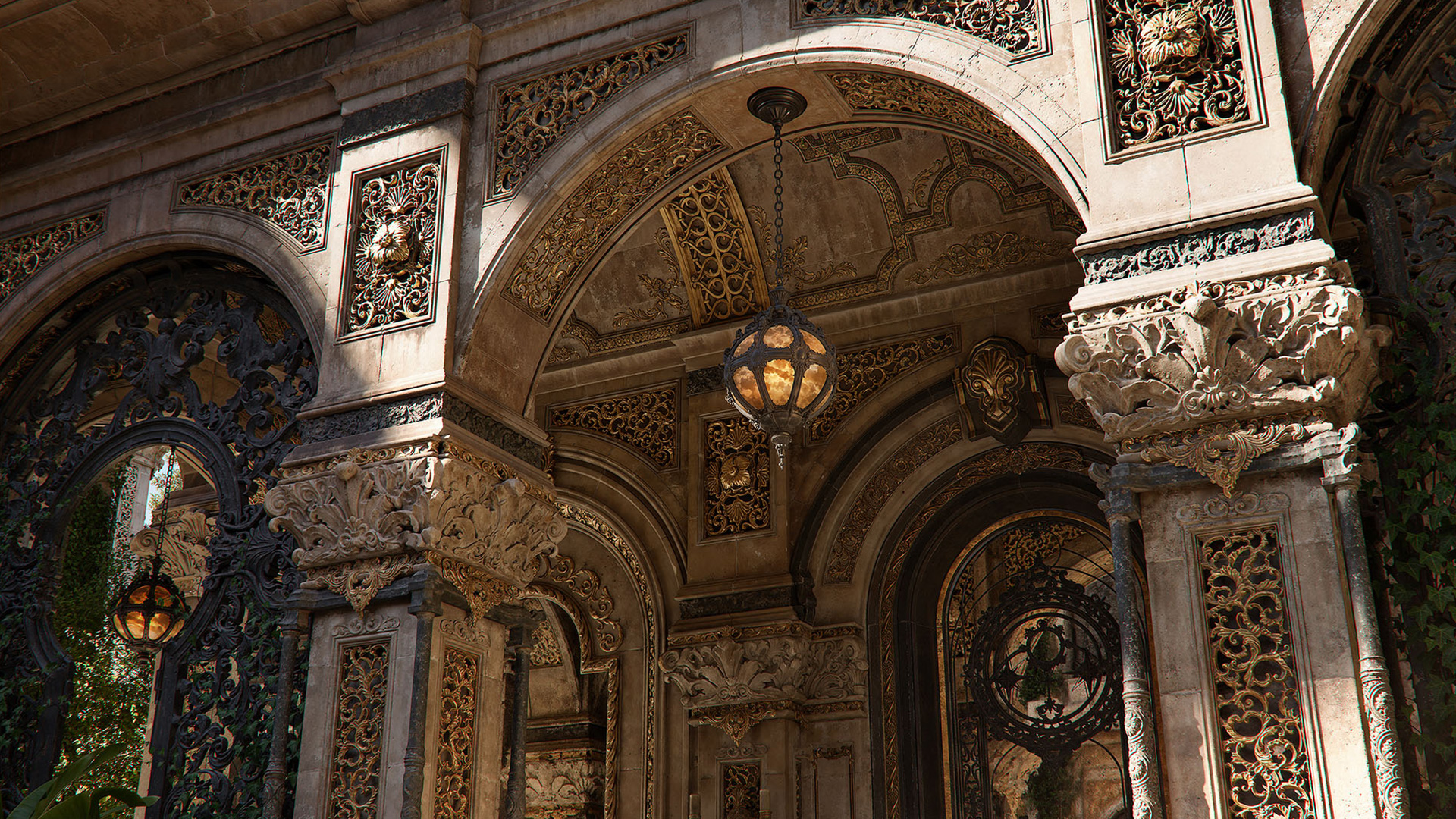
Neural rendering with NVIDIA RTX Kit

NVIDIA RTX Kit

Suite of neural rendering technologies..

Learn More About RTX Kit
NVIDIA ACE digital human technologies suite showing AI-driven character animation

NVIDIA ACE

Suite of digital human technologies for games.

Learn More About ACE
NVIDIA AI4M interface showing AI-enhanced audio, video, and AR effects for video conferencing and telepresence applications on RTX hardware

NVIDIA AI for Media

AI-enhanced audio, video, and AR effects for video conferencing and telepresence.

Learn More About AI for Media
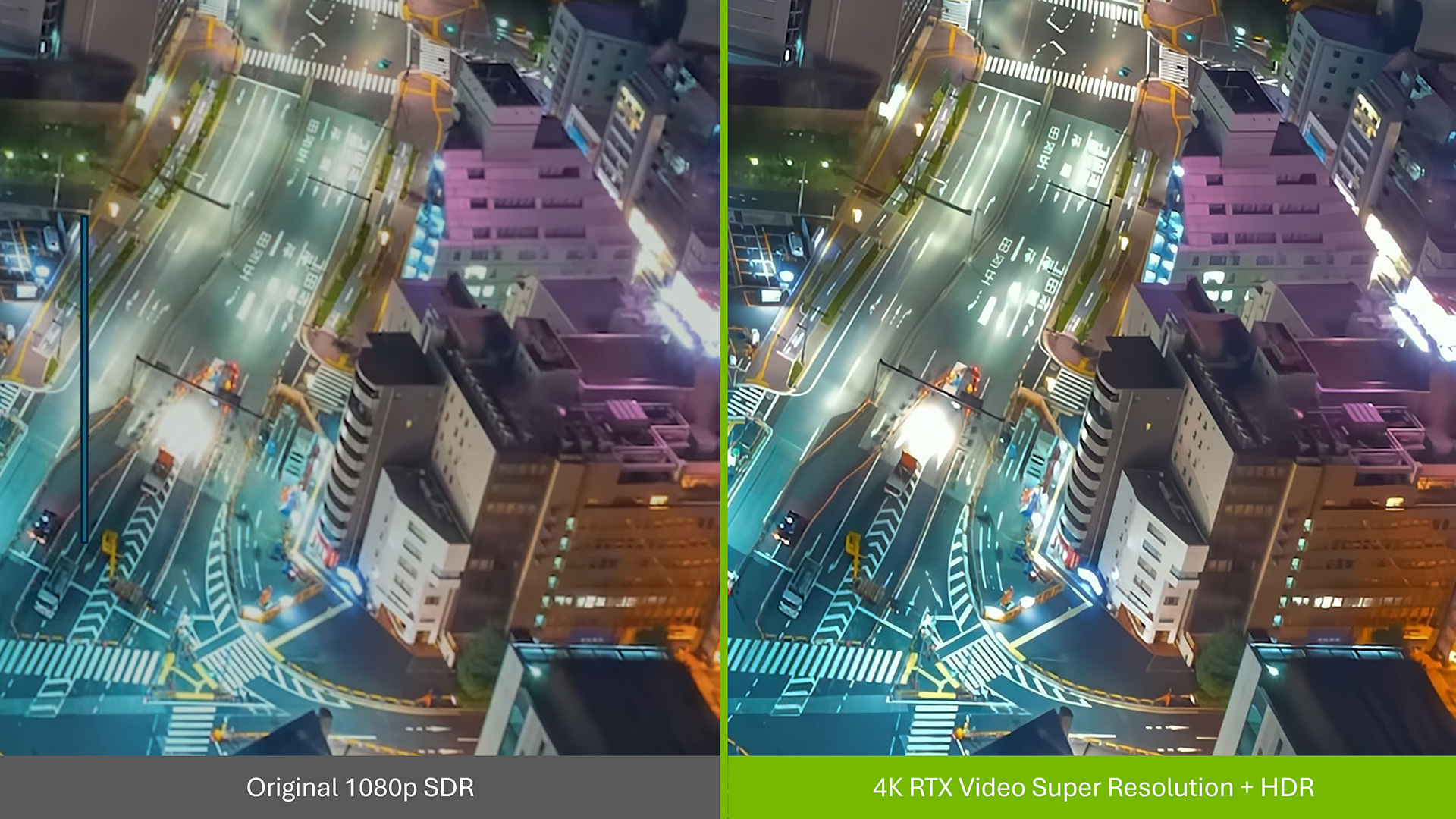
NVIDIA RTX Video AI Super Resolution and HDR enhancement interface showing upscaled video playback on an RTX-equipped display

RTX Video

AI-enhanced Super Resolution and HDR effects for creative and media playback apps.

Learn More About RTX Video
NVIDIA Video Codec SDK architecture diagram showing hardware-accelerated encode and decode APIs for NVIDIA GPU-based video processing pipelines

Video Codec SDK

Comprehensive APIs, tools, and samples for hardware-accelerated video encode and decode on NVIDIA GPUs across popular codecs.

Learn More About Video Codec SDK
Physical AI simulation with NVIDIA Omniverse

NVIDIA Omniverse

Accelerated libraries, microservices, and skills for physical AI simulation and agentic workflows.

Learn More About Omniverse
Humanoid robot holding a white mug behind a kitchen counter with a blender, an empty glass, and another mug.

Robotics

Build smarter, safer robots with NVIDIA’s open models, frameworks, and libraries.

Learn More about Robotics
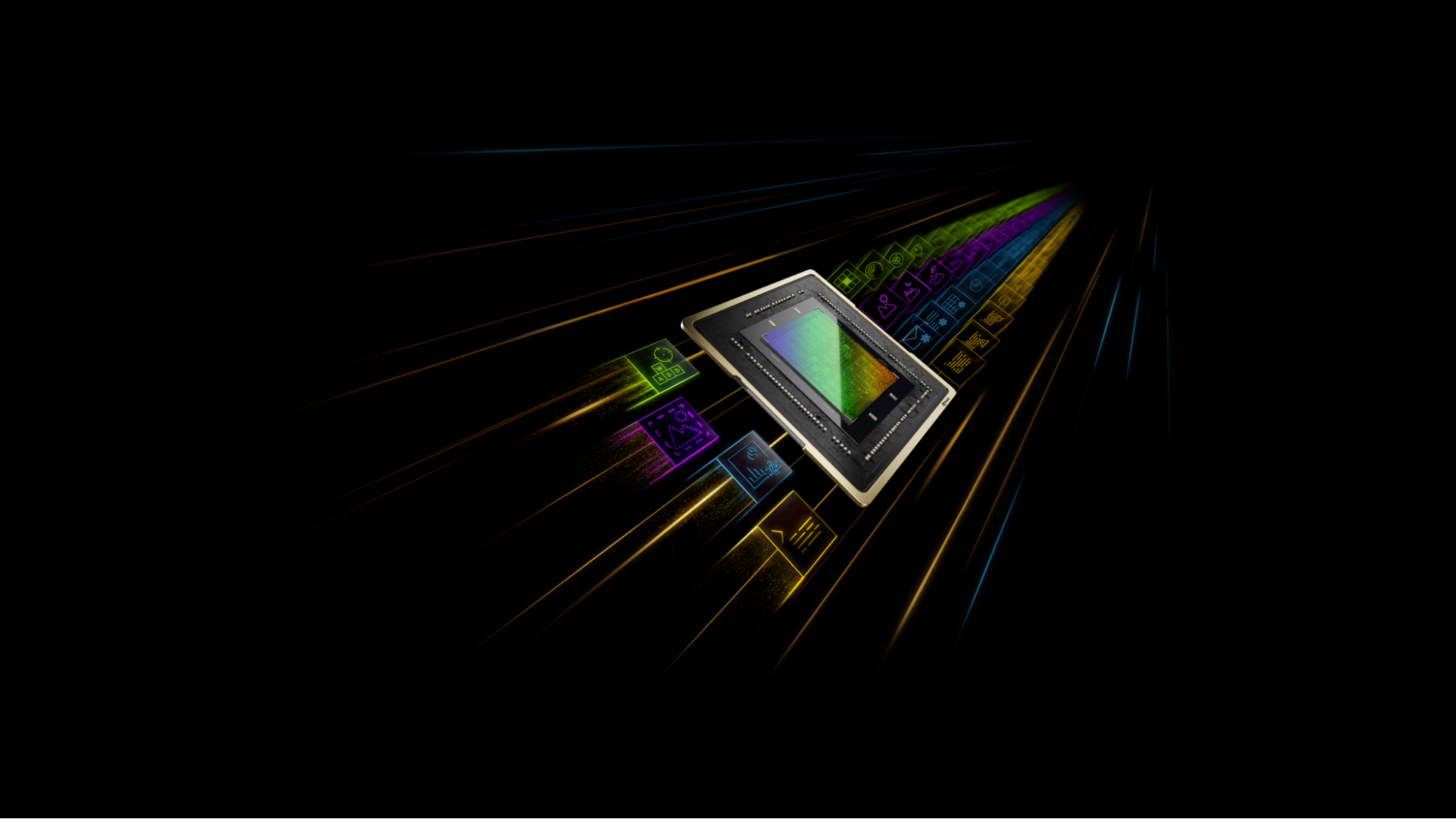
Illustration of a processor chip surrounded by streams of colorful icons representing text, images, and data against a black background.

Generative AI in the Cloud

Generative AI is a type of artificial intelligence that uses neural networks to learn patterns from existing data and generate new, original text, image, audio, and video content.

Learn More About OptiX
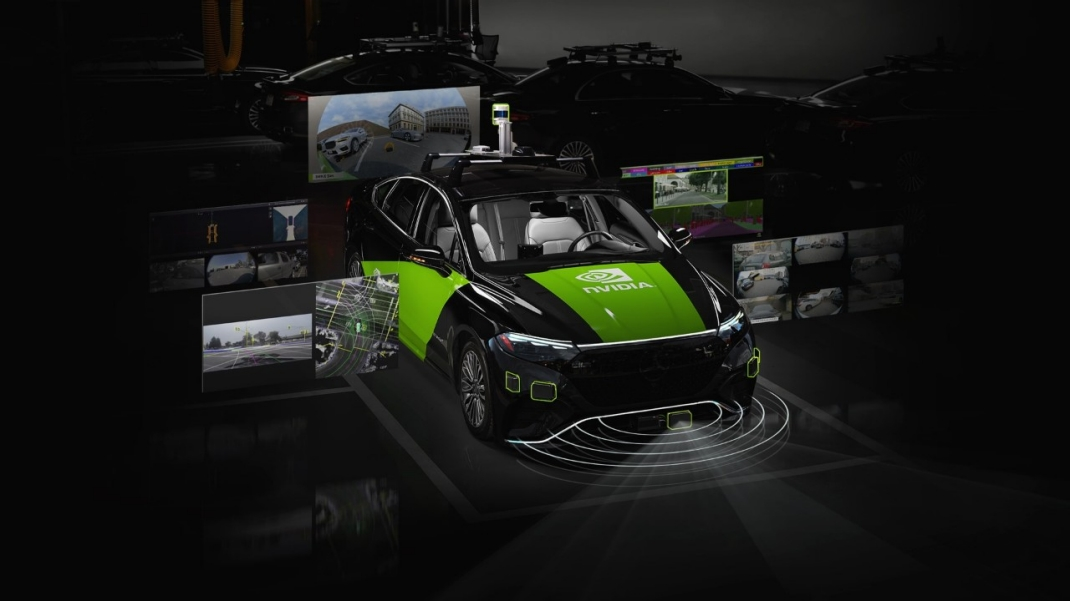
Black and green NVIDIA autonomous driving test vehicle with roof-mounted sensors, surrounded by visualizations of camera feeds, road mapping, and sensor coverage.

Autonomous Vehicles

NVIDIA provides an end-to-end stack for autonomous vehicle development—from sensor data curation and synthetic data generation to model training, closed-loop simulation, and production-grade in-vehicle compute.

Learn More about Autonomous Vehicles
Toy Jensen Huang, wearing glasses and a leather jacket, sews a red lobster plush toy in a workshop filled with green thread, fabric, and 3D printers.

Secure and Safe Runtime to Run Agents Locally

NVIDIA OpenShell offers a safe runtime for AI agents, OpenShell provides sandboxed execution environments and policy enforcement to govern agent behavior.

Learn About OpenShell
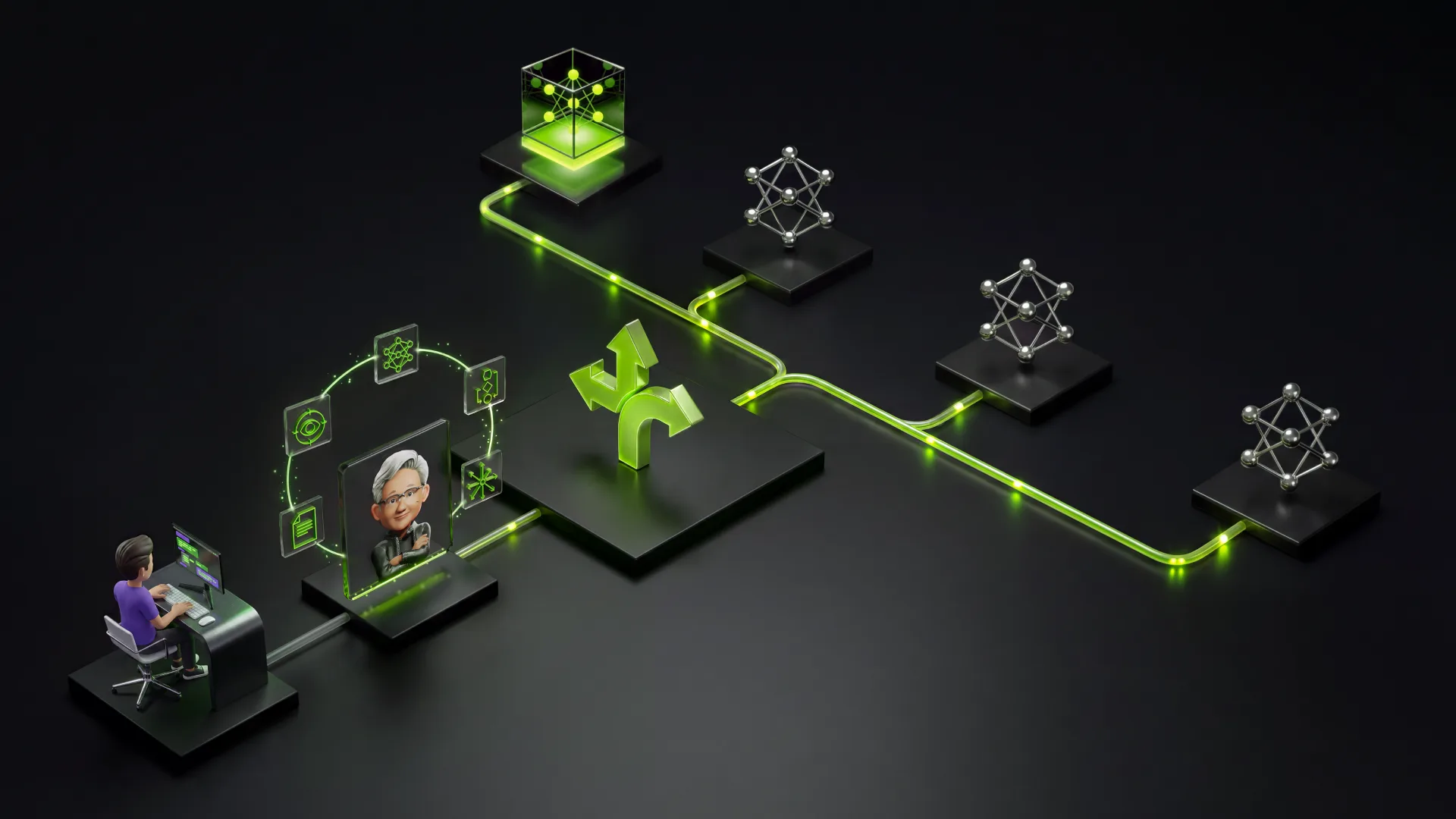
Illustration of a hybrid AI workflow connecting a computer user and Toy Jensen Huang assistant to local and cloud AI models through a central routing hub and glowing green paths.

Deploy Hybrid AI across Local and Cloud For Optimal Experience

Use NVIDIA NeMo Switchyard to route each LLM call to the cheapest model that can still do the job. 

Learn About NVIDIA NeMo Switchyard
Toy Jensen Huang wearing glasses and a black leather jacket, with oversized red lobster claws in place of hands, raising one claw against a dark background.

Blueprint to Run Enterprise-Grade Agents

NVIDIA NemoClaw is a collection of open blueprints for building autonomous agents: domain-specialized, always-on AI systems that reason, plan, and act across real-world workflows

Learn About NemoClaw

Build and Optimize a Custom Model

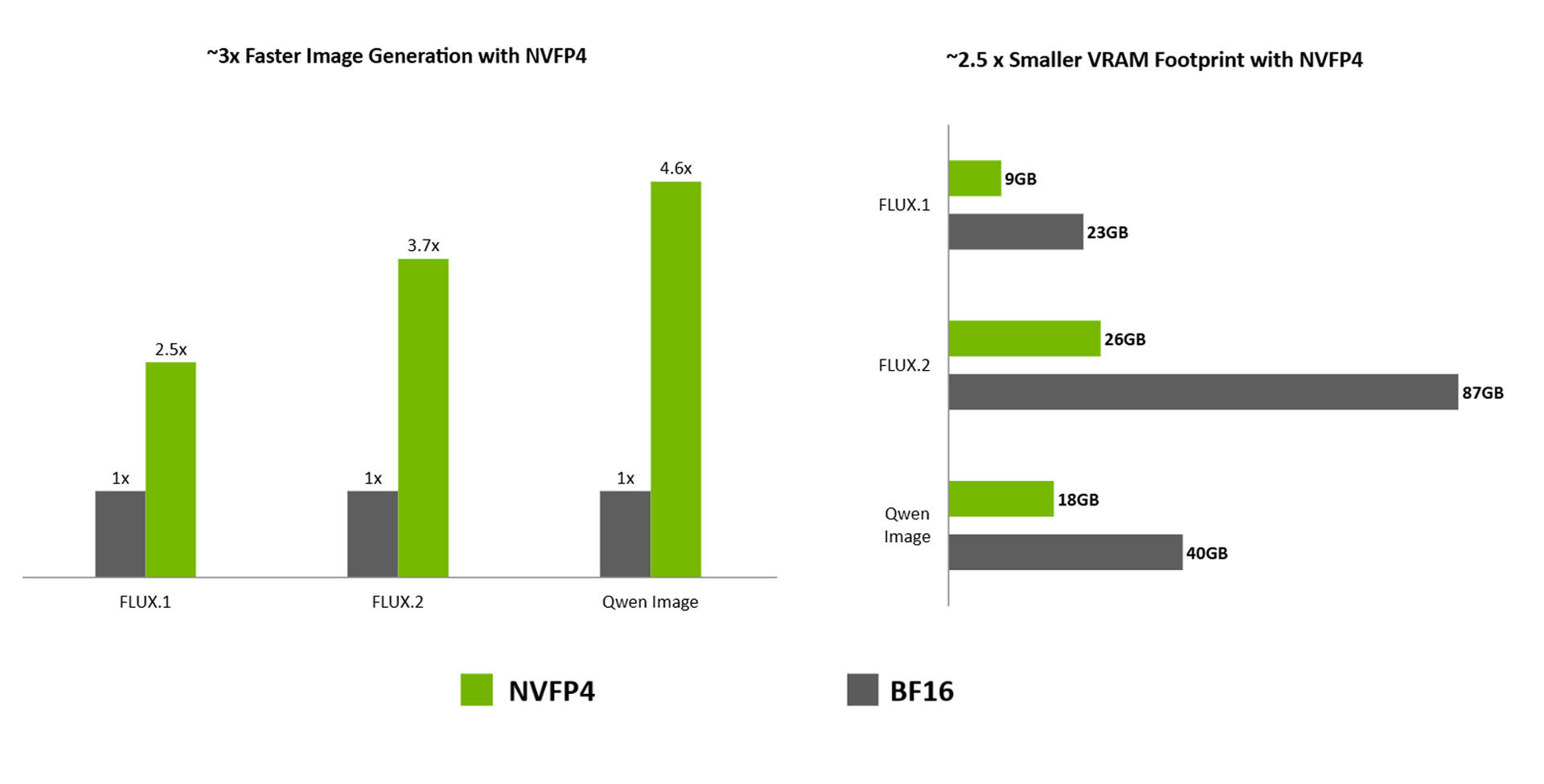
NVIDIA and the community optimize every open-source model for local NVIDIA GPUs.

VRAM comparison for NVFP4 vs. BF16 over FLUX.1, FLUX.2, and Qwen Image. Lower VRAM is better.

(Click diagram to enlarge)
DIY Model Checkpoint Optimization

NVIDIA Model Optimizer is a unified library of SOTA model optimization techniques like quantization, pruning, distillation, and speculative decoding. It compresses deep learning models for downstream deployment frameworks, optimizing inference speed.

Learn about the Different Techniques

Start Now With Model Optimizer

Deploy the Optimized Checkpoint into an Inference Engine

Customize Models to Your Use-Case

Fine-tune models on your local AI hardware with Unsloth to adapt them to your data and use case. Improve accuracy on specialized tasks, tailor responses to your domain, and shape outputs to match your application’s style and format—all while retaining control over your training data.

Get Started with Unsloth

Tools to Optimize Your Application for Maximum Performance

Use CUDA-X libraries and NVIDIA Nsight tools to build, profile, debug, and optimize GPU-accelerated AI applications.

NVIDIA CUDA-X library ecosystem showing 400+ GPU-accelerated computing libraries for AI inference and high-performance computing

CUDA-X Libraries

A suite of libraries designed to deliver industry-leading GPU acceleration across AI and high-performance computing use cases. They provide highly optimized implementations of complex algorithms that far outperform CPU-only alternatives. Also, now available as portable instruction sets and skills that extend the capabilities of AI Agents.

Learn More About CUDA-X Libraries

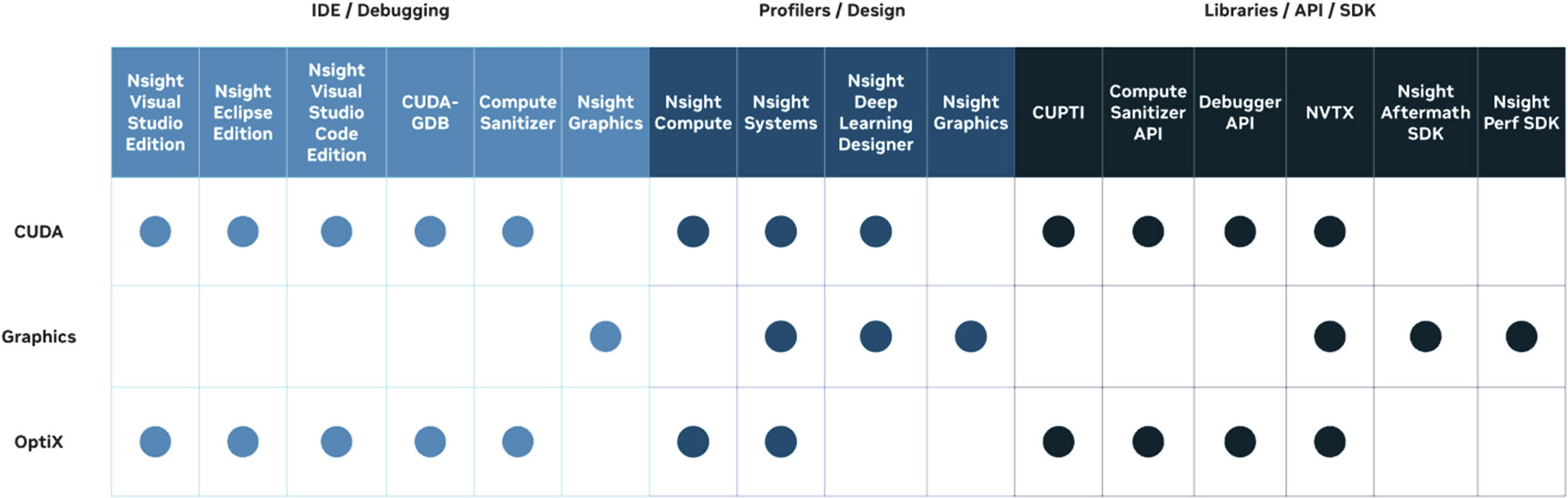
NVIDIA Nsight Tools

A set of libraries, SDKs, and developer tools to build, debug, profile, and develop software that utilizes the latest accelerated computing hardware.

Get Started With Nsight Developer Tools
NVIDIA Nsight developer tools interface displaying GPU performance profiling data, kernel timelines, and memory utilization for a local AI application

(Click diagram to enlarge)


Which NVIDIA GPU Should I Use for Local AI?

For additional details, choose hardware based on operating system, available GPU or unified memory, model size, and workflow. Prototype on NVIDIA DGX Spark™, run AI and agent workflows on GeForce RTX™, NVIDIA RTX Spark™ or NVIDIA RTX PRO™, and scale to NVIDIA DGX Station™ for larger local models and long-running agents.

Devices Memory OS Form Factor Scalability Model Capacity
Get Started for AI Development

NVIDIA GeForce RTX

Up to 32GB of VRAM Windows / Linux Laptop / Desktop Up to 4x Up to 50 B
Single Machine for End-to-End Development

NVIDIA RTX Spark

Up to 128GB Unified Windows Laptop / Small Form Factor Desktop Not Available Up to 120 B

NVIDIA DGX Spark

Up to 128GB Unified Linux Small Form Factor Desktop Up to 4x Up to 200 B per device
High Performance Agentic Development

RTX PRO

Up to 96GB of VRAM Windows / Linux Laptop / Desktop Up to 4x Up to 150 B per device
Advanced Developers and Teams of Developers

NVIDIA DGX Station
( Windows | Linux)

748 GB Unified Coherent Linux / Windows Desktop Up to 2x Up to 1 T per device
NVIDIA RTX Spark compact AI workstation for creators and developers, supporting 90 GB+ 3D scenes, 12K video editing, and 120B-parameter local LLM infer

RTX Spark

RTX Spark brings the full NVIDIA AI stack to Windows PCs, letting developers build, fine-tune, and run AI models and agents locally, including up to 120B-parameter models with 1 million tokens of context. It also accelerates demanding creative and gaming workloads across slim premium laptops and compact desktops.

NVIDIA DGX Spark personal AI supercomputer showing front, rear, and side panel views of the GB10 Grace Blackwell Superchip compact deskside system

DGX Spark

Personal AI supercomputer powered by the GB10 Grace Blackwell Superchip. Up to 1 petaFLOP at FP4, 128GB unified memory, and DGX OS preinstalled—fine-tune up to 70B parameters and run inference up to 200B parameters from your desk.

NVIDIA DGX Station GB300 Grace Blackwell Ultra desktop supercomputer supporting AI models up to 1 trillion parameters with 748 GB coherent memory and 20 petaFLOPS FP4 compute

DGX Station

Powered by the NVIDIA GB300 Grace Blackwell Ultra Desktop Superchip with up to 748 GB of coherent memory and 20 petaFLOPS of FP4 AI compute, NVIDIA DGX Station delivers data-center-level performance, supporting large AI models up to 1 trillion parameters, locally.

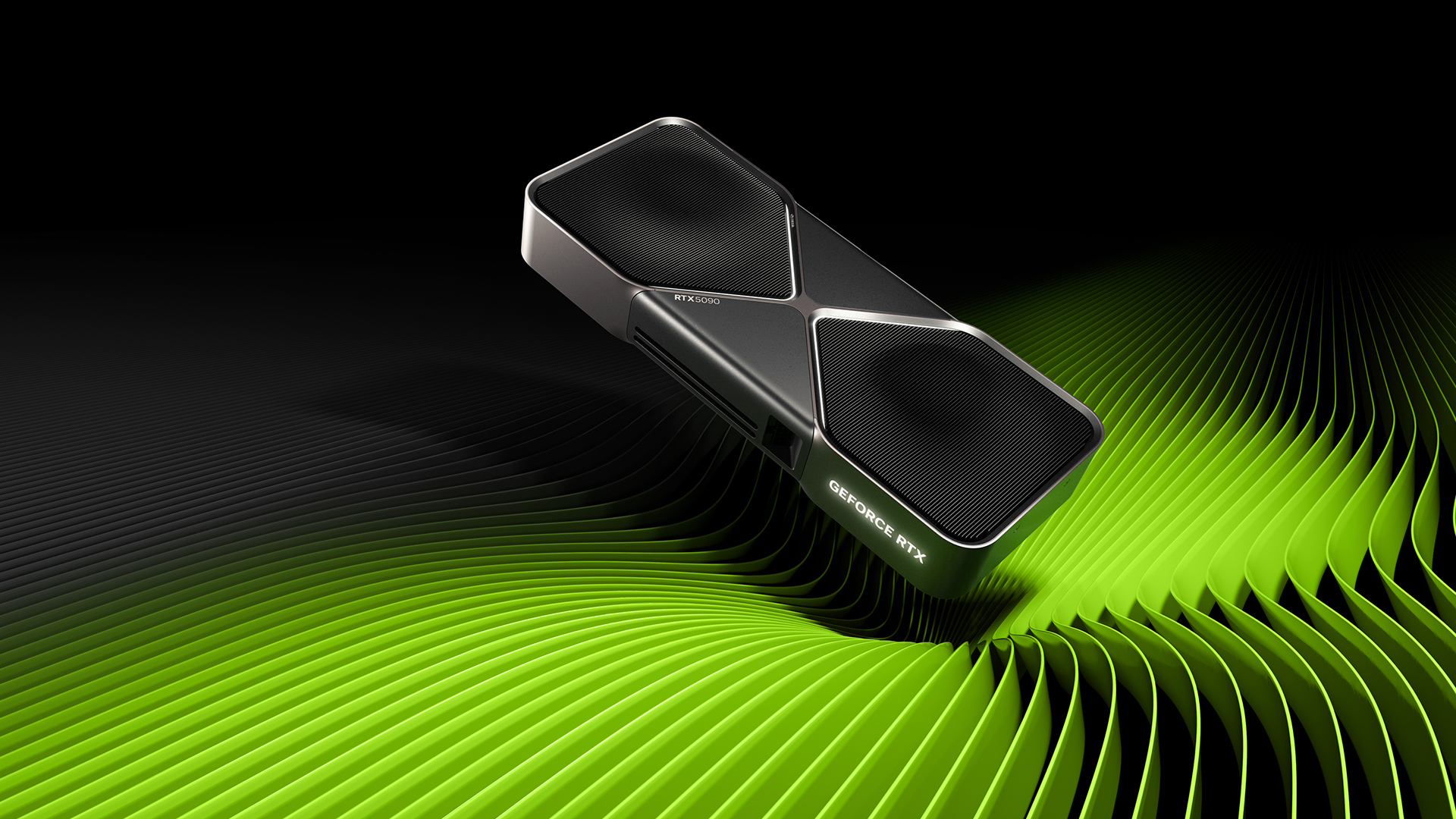
NVIDIA GeForce RTX 5090 graphics card for AI-accelerated gaming, creative workloads, and local AI development on a desktop PC

GeForce RTX

Upgrade to advanced AI with RTX AI PCs and accelerate gaming, creating, productivity, and development.

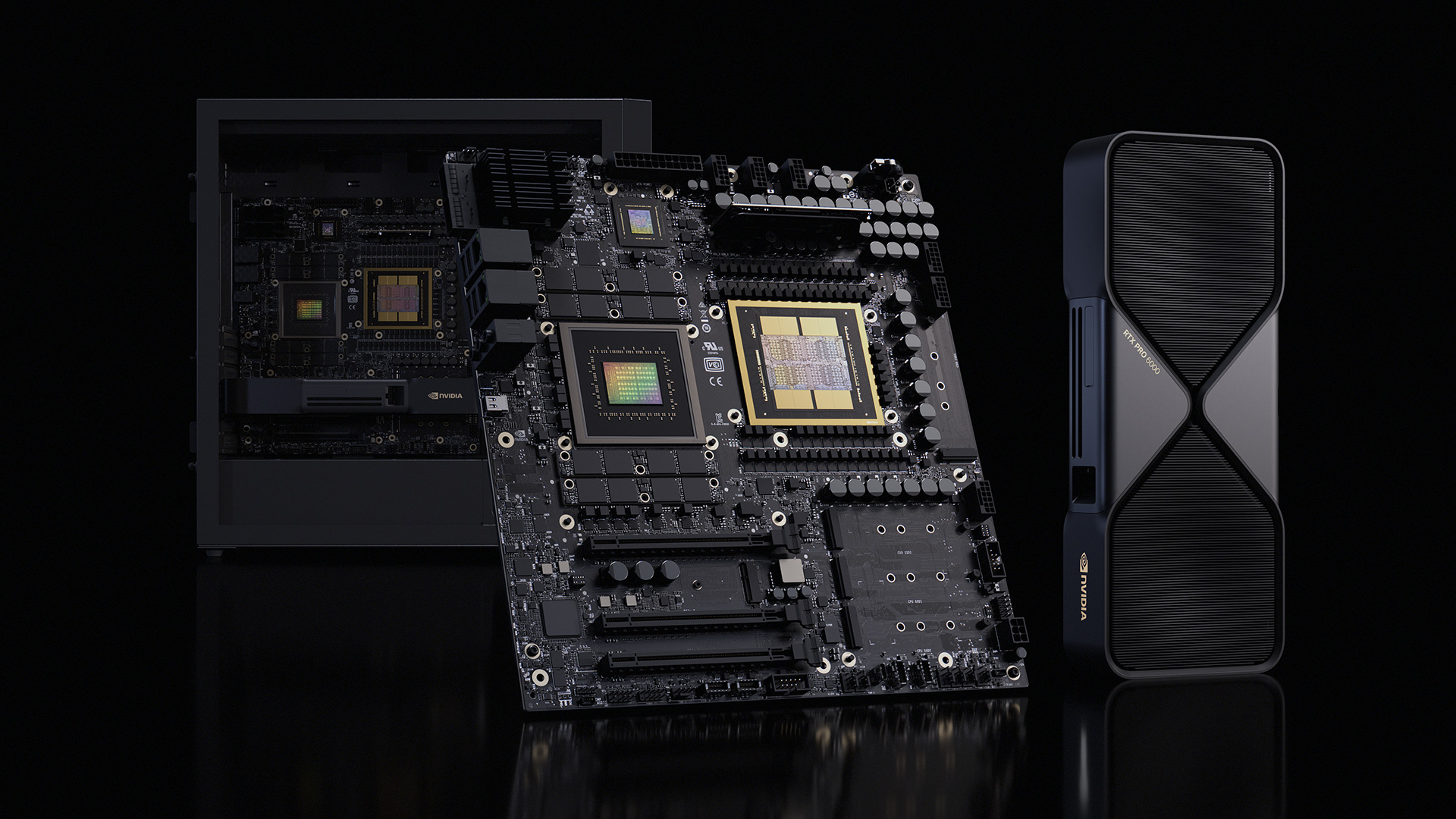
NVIDIA RTX PRO Blackwell professional GPU workstation for AI inference, graphics rendering, and high-performance compute workloads

RTX PRO

Accelerate professional AI, graphics, rendering, and compute workloads with NVIDIA RTX PRO Blackwell workstations.


Start Developing with AI on Your NVIDIA GPU

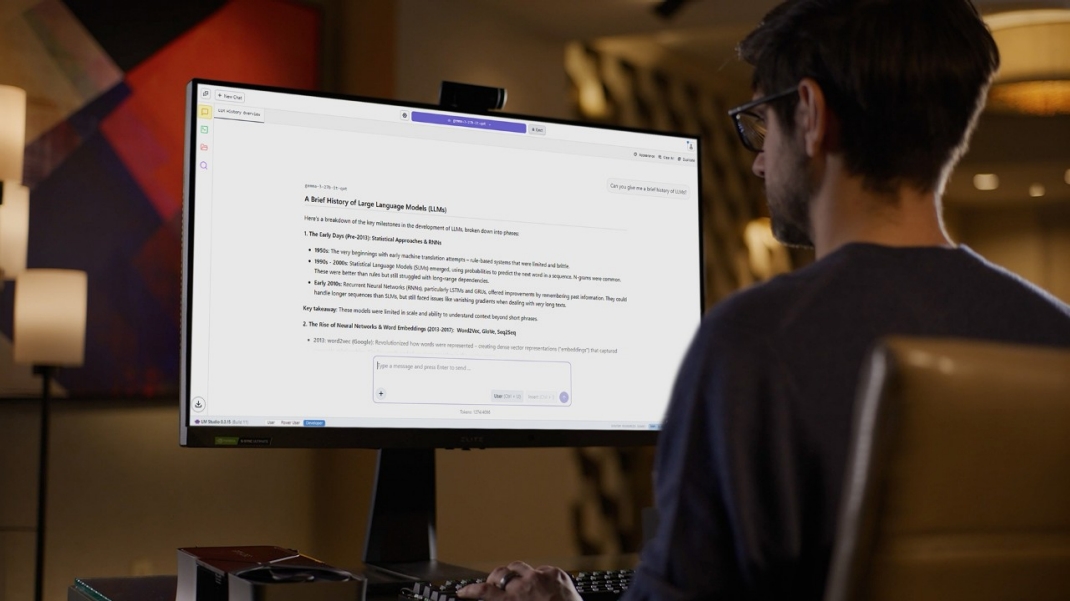
Congrats on your new device - check out the three steps below and access our playbook for more details.

Explore Playbooks

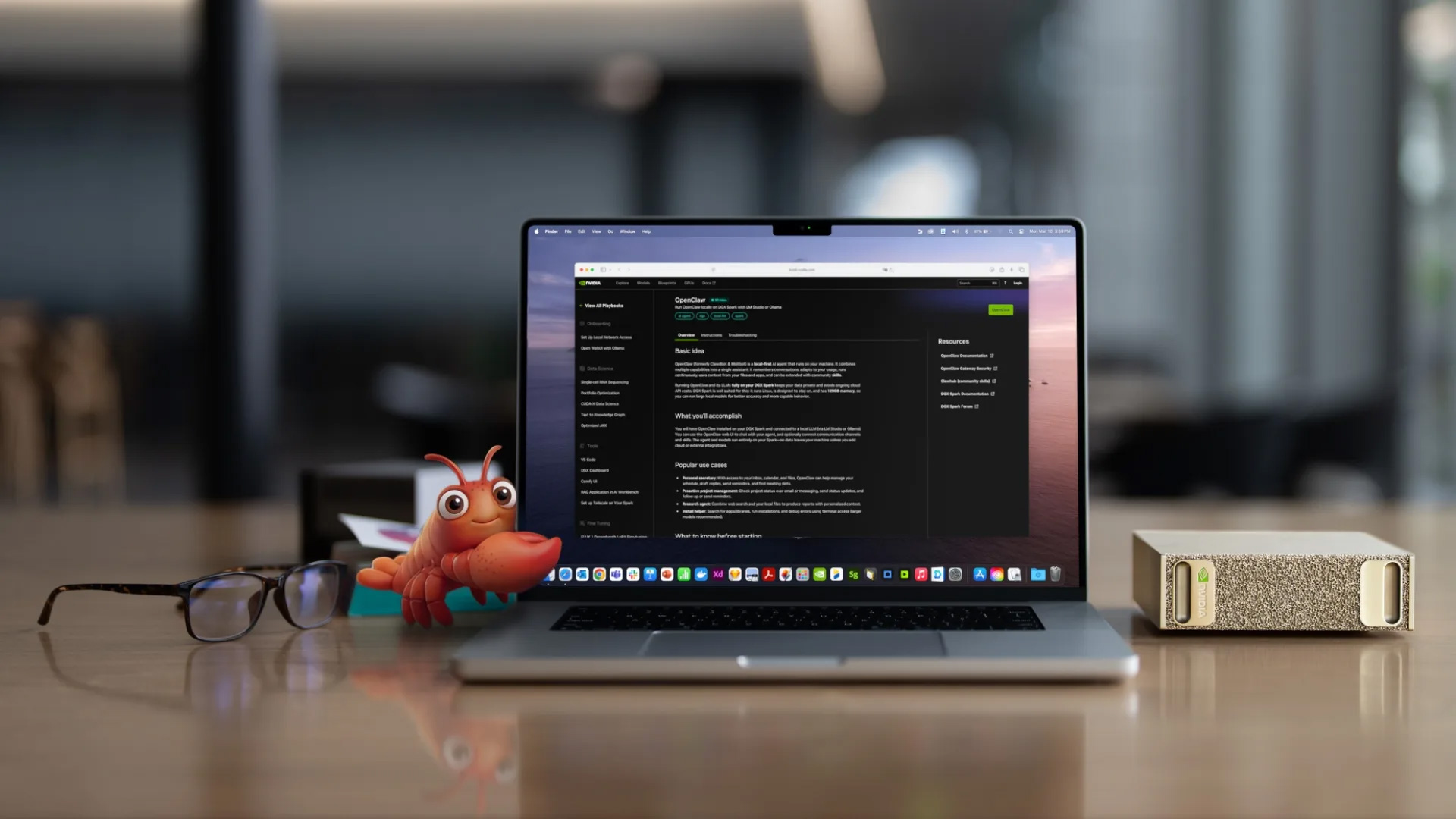
NVIDIA DGX Spark workstation and RTX system setup for local AI agent development.

Step 1
Get Your Windows System Ready for Development

Note: If on a Linux system, proceed directly to Step 2

Tiny Jensen with claws.

Step 2
Install your Coding Agent

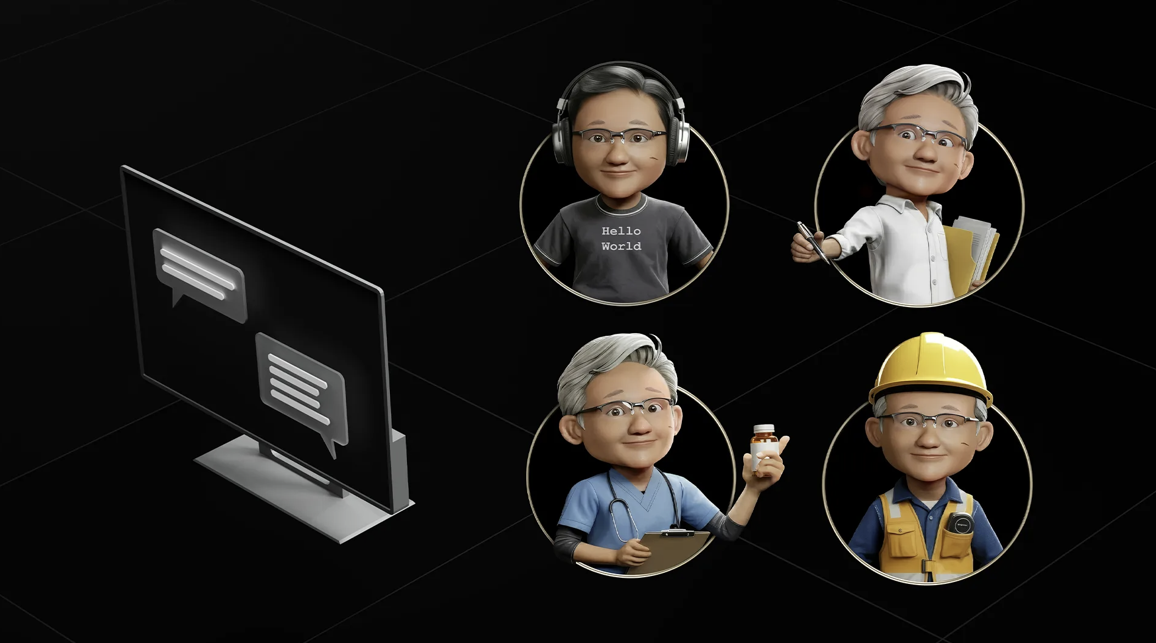
Illustration of a chat screen beside four Toy Jensen Huang avatars dressed as a programmer, teacher, healthcare professional, and construction worker, representing specialized AI agent skills.

Step 3
Connect your Agent to NVIDIA Skills


Development Guides for Local AI on NVIDIA GPUs

RTX Spark

Port your app to this new Windows on Arm platform now to deliver a fast, reliable native experience your users expect and join the 100+ software providers already embracing the platform for NVIDIA RTX Spark.

RTX Spark Porting Guide

DGX Spark

The DGX Spark is NVIDIA’s compact AI computer designed for developers, data scientists, and AI researchers who need powerful computing capabilities for AI development and deployment.

NVIDIA DGX Spark Development Guide

DGX Station

NVIDIA DGX Station is a deskside AI computer built on the NVIDIA GB300 Grace Blackwell Desktop Superchip with up to 748 GB of coherent memory for developing and running large-scale AI workloads locally.

NVIDIA DGX Station Development Guide

More Local AI Developer Resources

decorative icon

Developer Forums

decorative icon

Guides and Playbooks

decorative icon

Join our Developer Discord Server

Stay up to date on the latest NVIDIA developer news.

Subscribe