NVIDIA VRWorks™
NVIDIA® VRWorks ™
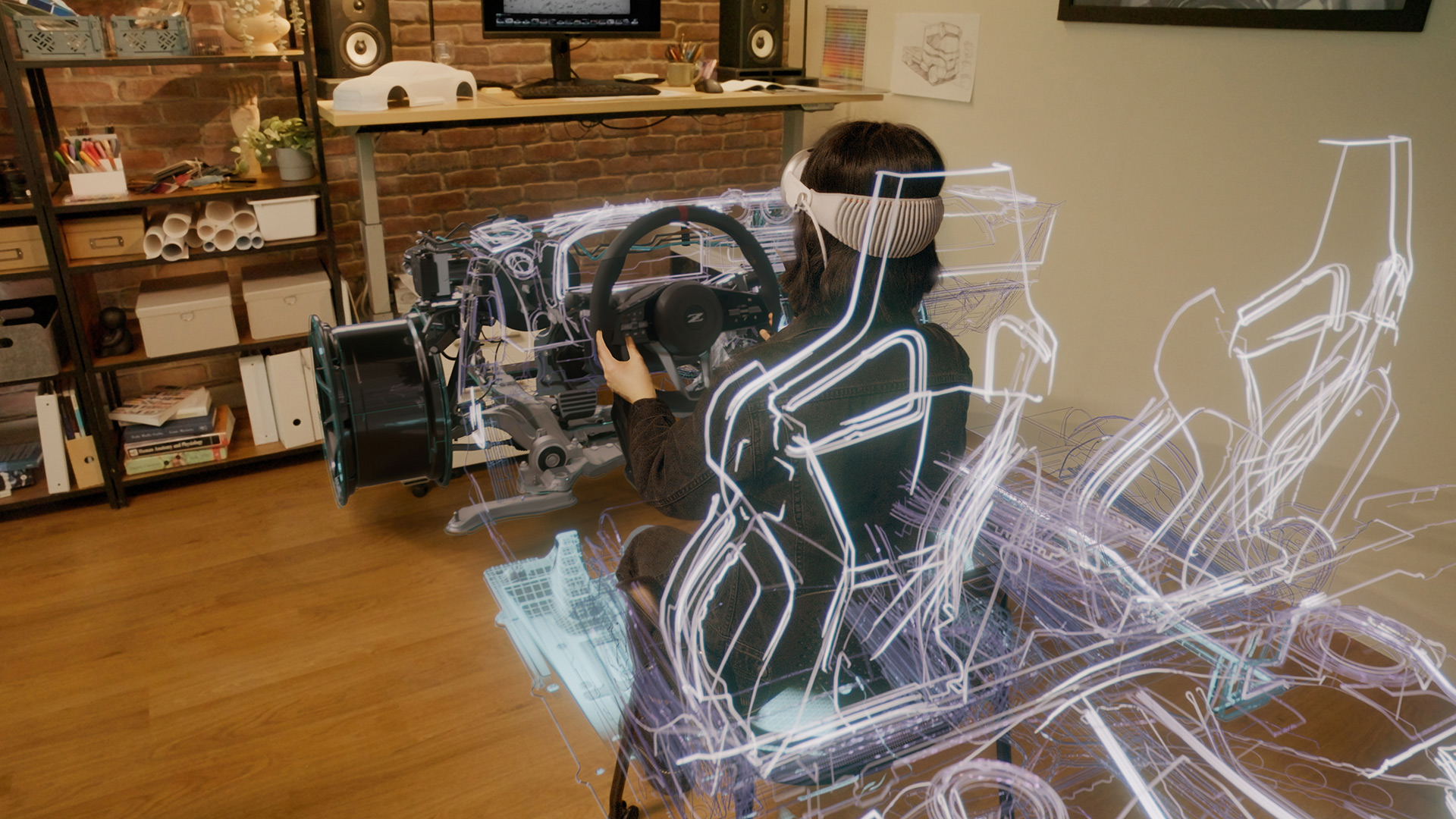
VRWorks™ is a comprehensive suite of APIs, libraries, and engines that enable application and headset developers to create amazing virtual reality experiences.
VRWorks enables a new level of presence by bringing physically realistic visuals, sound, touch interactions, and simulated environments to virtual reality.
Key components of VRWorks are being adopted by industry leading graphics engines such as Unreal Engine 4 and Unity 5 to provide developers an easy path to taking advantage of the SDK in their games and applications.
In addition, VRWorks includes SDKs that accelerate 360 video capture and processing as well as enhance professional VR environments like CAVES, Immersive Displays & Cluster Solutions.
NVIDIA Resources:
Recent Blogs
- NVIDIA Turing Propels VR Toward Full Immersion
- Cross-Process Synchronization Improves VR Performance
- NVIDIA SMP Assist API for VR Programming
- Industry Leaders Adopt NVIDIA VRWorks
- Oculus SDK support for NVIDIA VRWorks Lens Matched Shading
- Older Blogs...
Partner Resources:
VRWorks Graphics for Game and Application Developers
VRWorks Graphics features are aimed at Game and Application developers and bring a new level of visual fidelity, performance, and responsiveness to virtual reality through the following features.

- Details
|
Variable Rate Shading (VRS) is a new, easy to implement rendering technique enabled by Turing GPUs. It increases rendering performance and quality by applying varying amount of processing power to different areas of the image. VRS works by varying the number of pixels that can be processed by a single pixel shader operation. Single pixel shading operations can now be applied to a block of pixels, allowing applications to effectively vary the shading rate in different areas of the screen. Variable Rate Shading can be used to render more efficiently in VR by rendering to a surface that closely approximates the lens corrected image that is output to the headset display. This avoids rendering many pixels that would otherwise be discarded before the image is output to the VR headset. Coming Soon
|
|
Multi-Res Shading is an innovative rendering technique for VR whereby each part of an image is rendered at a resolution that better matches the pixel density of the lens corrected image. Multi-Res Shading uses Maxwell or later architecture features to render multiple scaled viewports in a single pass, delivering substantial performance improvements in pixel shading. Learn more |
|
Lens Matched Shading uses the Simultaneous Multi-Projection architecture of NVIDIA Pascal-based GPUs to provide substantial performance improvements in pixel shading. The feature improves upon Multi-res Shading by rendering to a surface that closely approximates the lens corrected image that is output to the headset display. This avoids rendering many pixels that would otherwise be discarded before the image is output to the VR headset. Learn more![]() |
|
Traditionally, VR applications have to draw geometry twice -- once for the left eye, and once for the right eye. Single Pass Stereo uses the new Simultaneous Multi-Projection architecture of NVIDIA Pascal-based GPUs to draw geometry only once, then simultaneously project both right-eye and left-eye views of the geometry. This allows developers to almost double the geometric complexity of VR applications, increasing the richness and detail of their virtual world. Learn more![]() |
|
Multi-View Rendering (MVR) is a feature in Turing GPUs that expand on upon Single Pass Stereo, increasing the number of projection centers or views for a single rendering pass from two to four. All four of the views available in a single pass are now position-independent and can shift along any axis in the projective space. This unique rendering capability enables new display configurations for Virtual Reality. By rendering four projection centers, Multi-View Rendering can power canted HMDs (non-coplanar displays) enabling extremely wide fields of view. Coming Soon![]() |
|
VR SLI provides increased performance for virtual reality apps where multiple GPUs can be assigned a specific eye to dramatically accelerate stereo rendering. With the GPU affinity API, VR SLI allows scaling for systems with more than 2 GPUs. Learn more![]() |
Additional Features
|
Register for the GameWorks developer program to download the VRWorks Graphics SDK for application developers.
VRWorks Graphics for Headset Developers
The following VRWorks features are aimed at hardware manufacturers developing head mounted displays.

- Details
|
With Direct Mode, the NVIDIA driver treats VR headsets as head mounted displays accessible only to VR applications, rather than a normal Windows monitor that your desktop shows up on, providing better plug and play support and compatibility for the VR headset. |
|
Front Buffer Rendering enables the GPU to render directly to the front buffer to reduce latency. |
Additional Features
|
The VRWorks SDK for headset developers is available via online application. Once submitted your application will be reviewed and access granted pending evaluation.
VRWorks 360 Video
VRWorks 360 Video enables VR developers and content creators to capture, stitch, and stream 360º videos in real-time or offline.

- Details
|
VRWorks 360 Video enables VR developers and content creators to capture, stitch, and stream 360º videos in real-time or offline. The SDK performs GPU-accelerated video decode, calibration, stitching, encode and outputs an equirectangular 360-degree mono or stereo video with audio. Learn more |
|
GPUDirect for Video technology enables low latency video transfers to and from the GPU enabling developers to seamlessly overlay video and graphics into VR environments. GPUDirect for Video can be used in conjunction with the 360 Video SDK for fast ingest of multiple camera streams. GPUDirect for Video is available for Quadro GPUs. Learn more |
VRWorks Audio
VRWorks Audio is aimed at Game and Application developers and bring a new level of audio fidelity and immersion by ray tracing sound in 3D space, creating a realistic acoustic image of geometrically complex environments. With Turing, VRWorks Audio is accelerated up to 6x compared to Pascal based GPUs.
|
The demand for realism increases dramatically the instant a player puts on a head-mounted display (HMD) - images, sounds, and interactions make or break the immersiveness of the experience. For example, audio in a small room will sound different than the same audio outdoors because of the reflections caused by sound bouncing off the walls of the room. Leveraging NVIDIA OptiX ray tracing technology, VRWorks Audio traces the path of sound in real-time, delivering physically realistic audio that conveys the size, shape, and material properties of the virtual environment you are in. Learn more |
VR Physics Simulation
NVIDIA’s PhysX Constraint Solver detects when a hand controller interacts with a virtual object and enables the game engine to provide a physically-accurate visual and haptic response.

- Details
|
Realistically modelling touch interactions and environment behavior is critical for delivering full presence in VR. Today’s VR experiences deliver touch interactivity through a combination of positional tracking, hand controllers, and haptics. NVIDIA’s PhysX Constraint Solver detects when a hand controller interacts with a virtual object and enables the game engine to provide a physically-accurate visual and haptic response. PhysX also models the physical behavior of the virtual world around you so that all interactions, whether it be an explosion or hand splashing through water, are accurate and behave as in the real world. Check out the NVIDIA VR Funhouse video to see how PhysX can be integrated into VR applications. ![]() |
Read more about PhysX and download the SDK from the PhysX page.
VRWorks for Developers of Enterprise Applications
Developers targeting enterprise-class use cases may also be interested in the following Quadro® specific features.
- Details
|
Warp & Blend API’s provide application independent geometry corrections and intensity adjustments across entire desktops to create a seamless VR CAVE environments. Warp & Blend API’s enable all the above adjustments for pristine image quality without introducing any latency. Learn more
|
|
NVIDIA provides various synchronization techniques to prevent tearing and image misalignment while creating one large desktop that is driven from multiple Quadro GPU’s or clusters. Various technologies like Frame Lock, Stereo Lock, Swap Groups & Swap Barriers are available to help developers design seamless and expansive VR CAVE & Cluster environments. |
|
GPU Affinity provides dramatic performance improvements by managing the placement of graphics and rendering workloads across multiple GPU’s. This provides developers fine grain control to pin OpenGL contexts to specific GPU’s. |
|
GPUDirect for Video technology enables low latency video transfers to and from the GPU enabling applications to seamlessly overlay video and graphics into VR environments. GPUDirect for Video can be used in conjunction with the 360 Video SDK for fast ingest of multiple camera streams. Learn more |
To inquire about using these API's please use this link :


