
PuTTY: Connect to Serial Port#
Before connecting to a serial port, you must start PuTTY as a superuser (or as root user) using following command. This command opens the putty configuration dialog box.
$ sudo putty
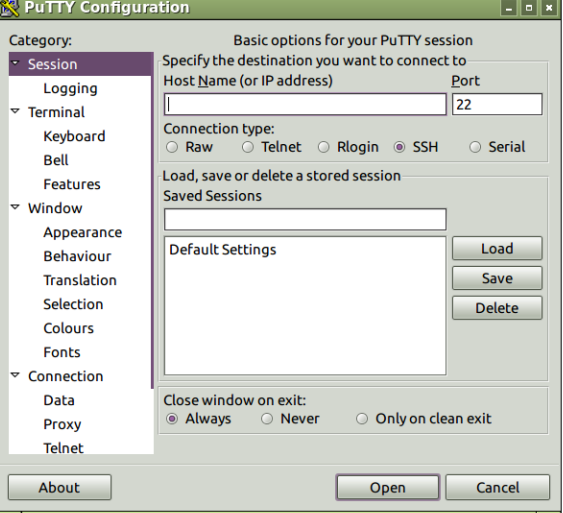
In the above dialog box:
Choose Connection type as Serial.
In Serial line enter the USB Serial port path obtained above /dev/ttyACM or /dev/ttyUSB or /dev/pts/.
Enter Speed to 115200.
Click Open
Steps 1-3 opens a new window to receive serial data from the DRIVE platform.